Languages
The LANG tool turns one video into many languages without starting over.
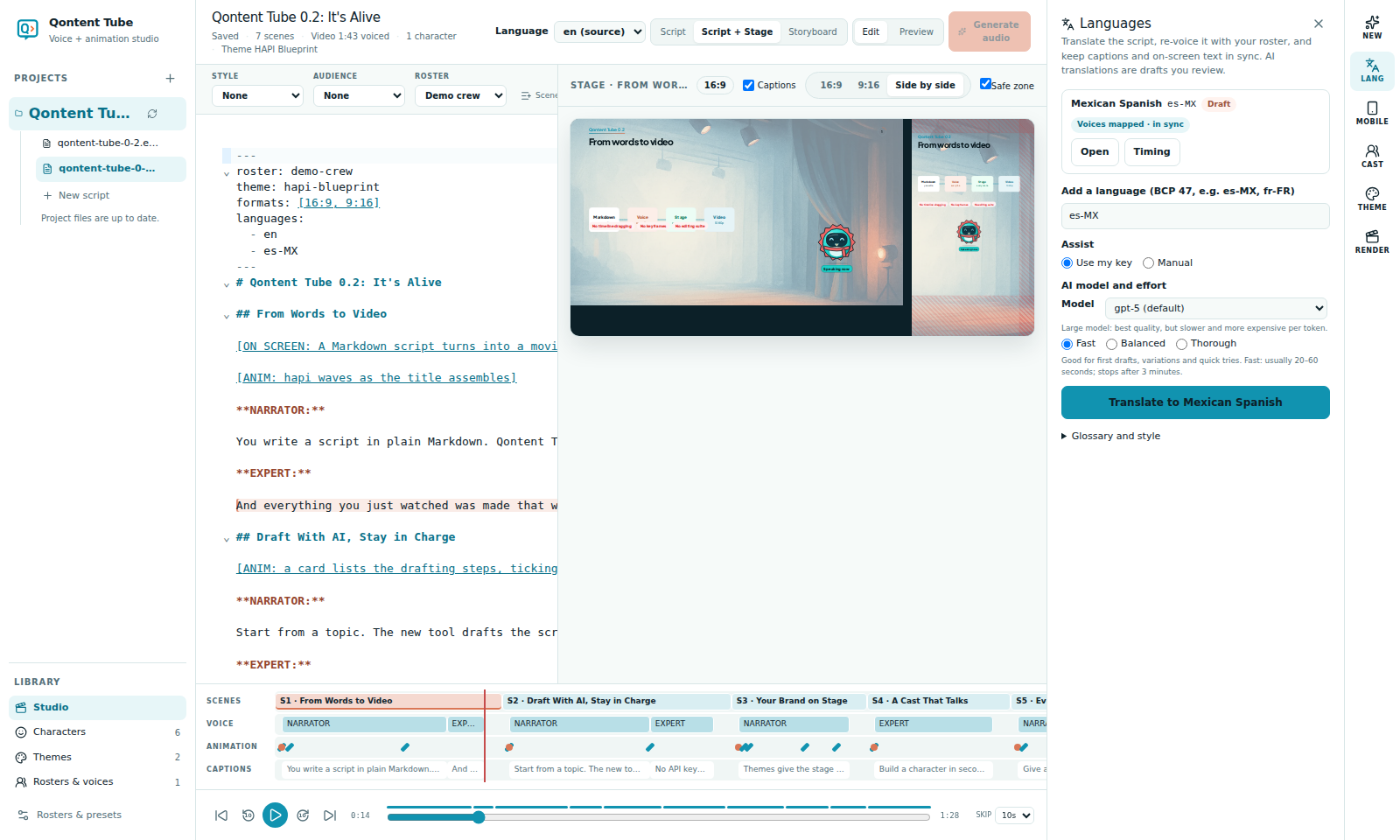
Translate
Enter a language tag such as es-MX or fr-FR and translate with your AI key or in manual mode. Qontent Tube creates intro.es-MX.md as a draft linked to intro.md, nested under it in the sidebar, together with the translated on-screen texts.
Translations are ordinary scripts: review them, edit them, and Accept draft when they are ready.
Structure stays in sync
A translation keeps the same scenes, the same number of lines per scene, and the same speakers as its source, so the storyboard can be shared. If they differ, LANG explains where; the shared storyboard and rendering pause until it is fixed. Editing is never blocked.
The translation shows the source's storyboard with its own texts. To change scenes or elements, edit the source.
Voices per language
Give each roster member a voice for the language. LANG lists speakers that still need one ("Needs a Mexican Spanish voice: Narrator") with a quick Assign voice. Generation and rendering of the translation use those voices.
Glossary and style
Under Glossary and style, list terms that must stay unchanged (product names, protocols, tool names) and style notes per language, for example "neutral Spanish; keep protocol names". They are part of every translation request and checked afterwards.
When the source changes
Changing a line or an on-screen text in the source marks the matching translation outdated. Nothing is overwritten. Translate N pending updates only those lines and texts, leaving the rest exactly as you reviewed it.
Timing fit
Languages differ in length. After voicing, Timing compares each scene and line with the source and proposes a slightly faster pace for lines more than 15% longer, within the voice's limits. Apply it to re-voice only those lines; lines that still do not fit are flagged so you can shorten them.
Right-to-left languages are not supported yet.