Generate and play narration
Qontent Tube generates ordered audio for the dialogue in a saved script revision. A passage needs a matching roster member and configured voice before it can be synthesized.
The current private release generates speech through Deepgram using your own API key and internet connection. Qontent Tube is not affiliated with Deepgram, and the free preview does not include provider usage. See Runtime and provider requirements.
Choose the right scope
Generate at the scope that matches your current work:
- Whole script for all missing or outdated passages
- One scene while refining a section
- One speaker while reviewing a character or narrator
- One passage after a focused edit
Requests run as an independent queue. If one passage fails, other queued passages continue and the failed item can be retried with a sanitized error.
Know what is current
Clip freshness is derived from the spoken text, selected voice, speaking pace, and generation adapter version. If those inputs have not changed, Qontent Tube can reuse the ready clip. When one input changes, only the affected narration becomes outdated.
Generation based on an older script revision is rejected instead of attaching audio to the wrong words.
Listen as one timeline
The transport combines fresh clips into one logical timeline. You can:
- Play and pause
- Scrub across clip boundaries
- Move to the previous or next passage
- Skip backward or forward using your configured interval
- See cumulative elapsed and total time
Follow the story
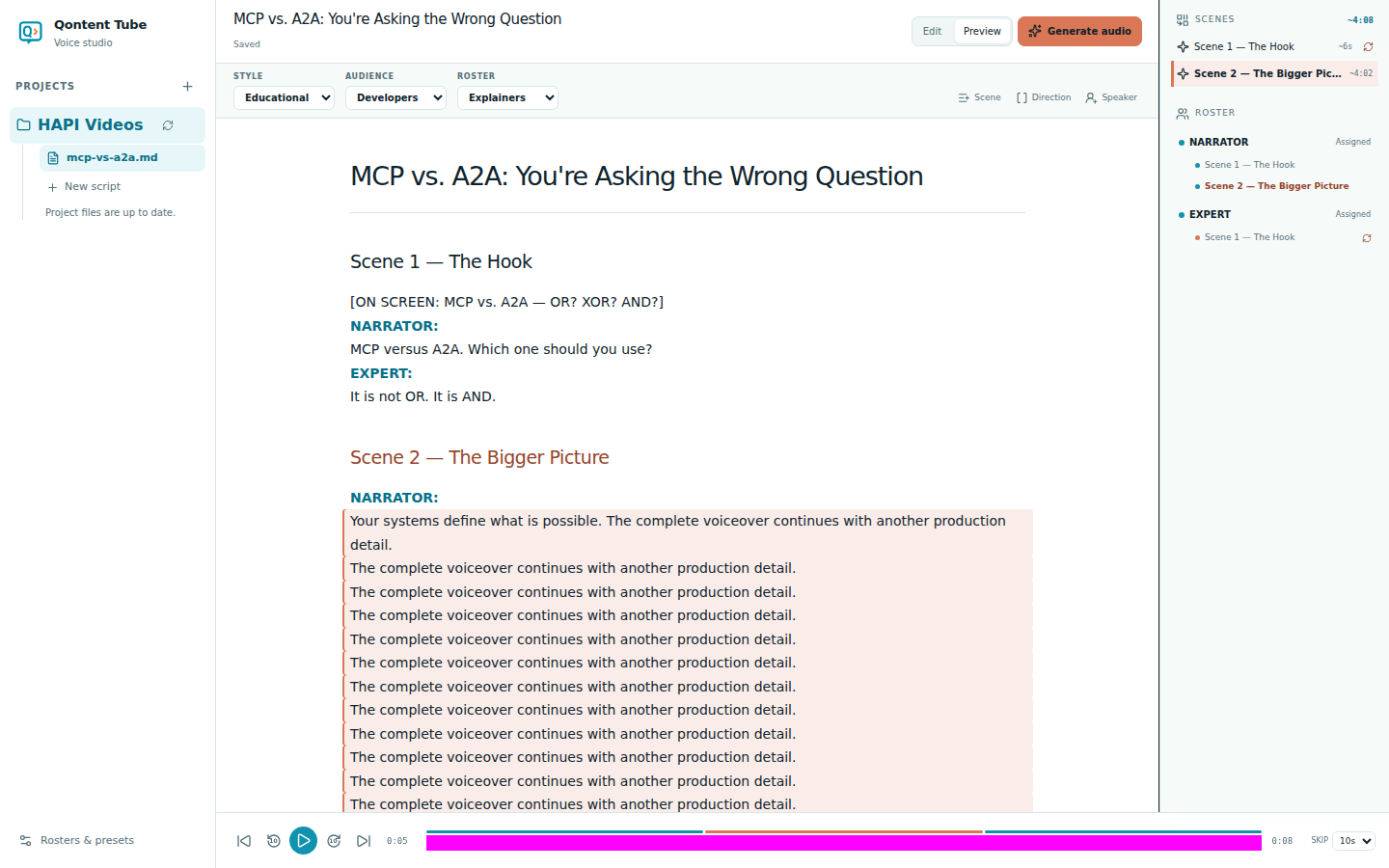
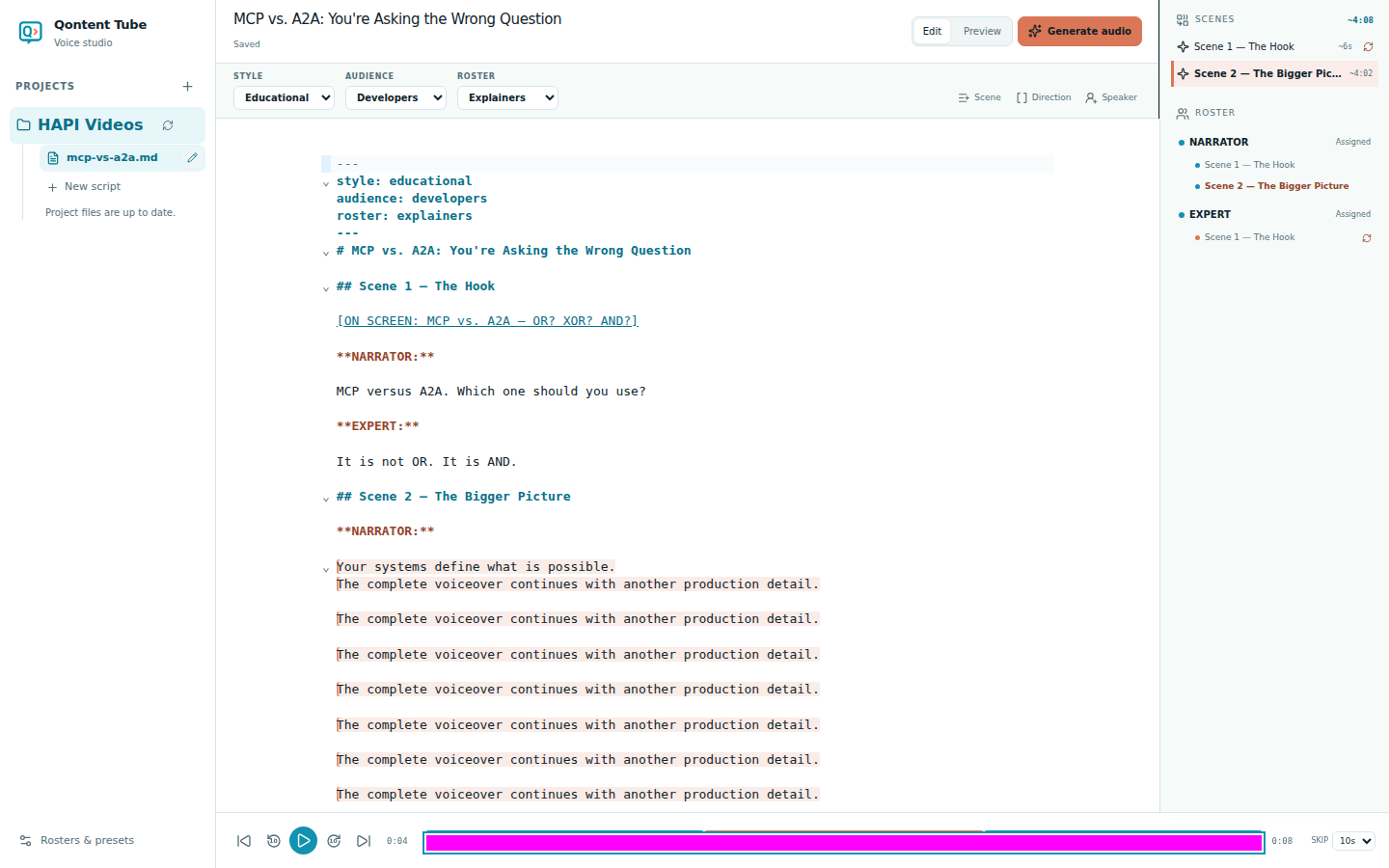
As playback begins, advances, or seeks, Qontent Tube identifies the active dialogue and containing scene. The spoken source range is highlighted in both Edit and Preview, while the corresponding scene becomes active in the outline.
The location remains visible while paused and clears when playback finishes or the audio manifest is replaced. It never changes your selection, caret, document, or editor history.