Characters
Characters make explainers feel alive. Qontent Tube ships the HAPI crew and lets you build your own. Every character ships rigged: idle breathing and blinking, waving, expressions (calm, happy, worried, curious), entrances and exits, and talking.
The collection
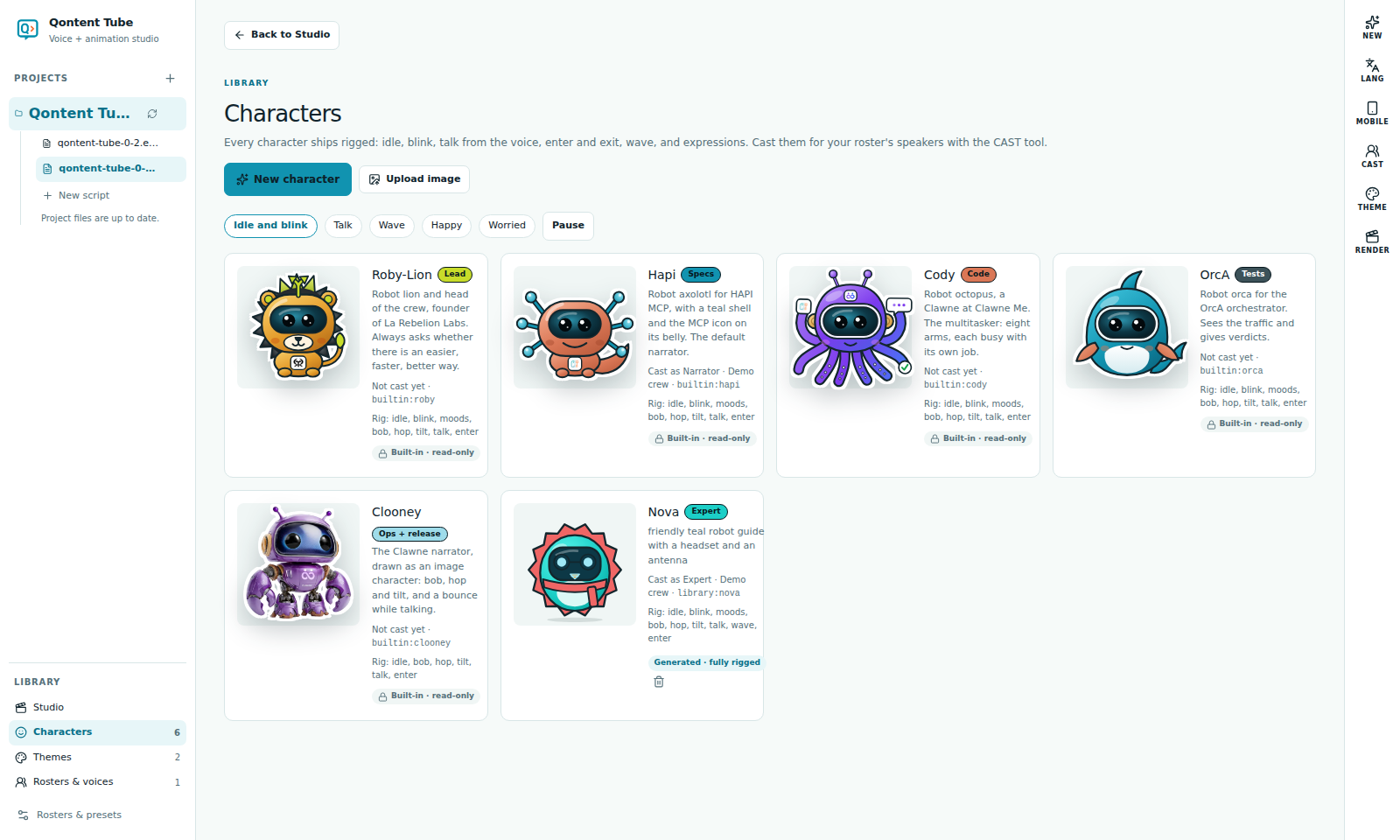
Library → Characters shows every character with its roles. The preview buttons play Idle and blink, Talk, Wave, Happy, and Worried.
Upload image adds a PNG, WebP, or SVG as an image character with a limited rig (bob, hop, tilt, entrances, and a bounce while talking). SVG files are cleaned of scripts and external links.
Build a character
New character opens the builder:
- Describe the character, pick a style (flat vector, soft 3D, line art, pixel) and a personality (curious, calm, hype, wise).
- Generate 4 variations. Without an AI key they are procedural and reproducible from the seed shown; with AI assist the model picks parts and colors.
- Lock the variations you like and Regenerate unlocked.
- Refine one in words ("make the headset orange, add a scarf") and review the before/after and the list of changes before applying.
- Name it, give it a role, choose who it plays, and Add to collection. Nothing is saved before that.
Characters are built from a curated parts library and drawn by Qontent Tube, so they always match the house style, can follow your theme, and never contain generated code.
Cast and talk
The CAST tool lists the speakers of your script and the character each one plays, and tells you when someone is missing. In a storyboard, a character element without a specific character shows whoever is speaking.
When a clip is generated, Qontent Tube measures its loudness 30 times a second. The speaking character's mouth follows it and closes in the pauses; the crew's visors glow and bounce. The speaking character also steps forward slightly.